
 Arushi Sachdeva
Fractals
If you haven't heard of them before, "fractals" are images where sub-components have a similar appearance to the structure as a whole, and essentially could be made infinitely complex and detailed.
Sierpiński's triangle is probably the one you've heard of, but there are many examples of fractal-like patterns in nature too, especially in plants and shells:
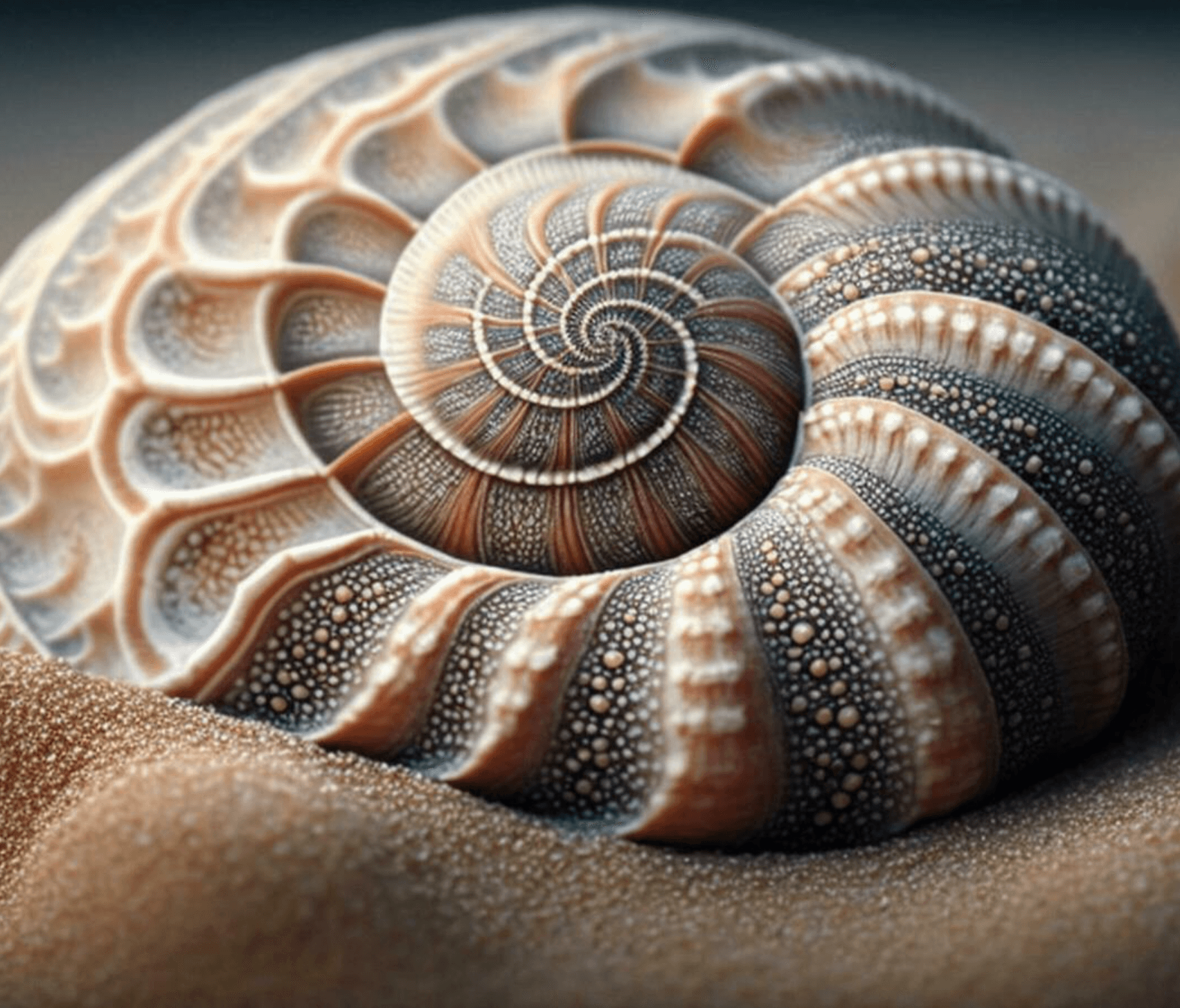
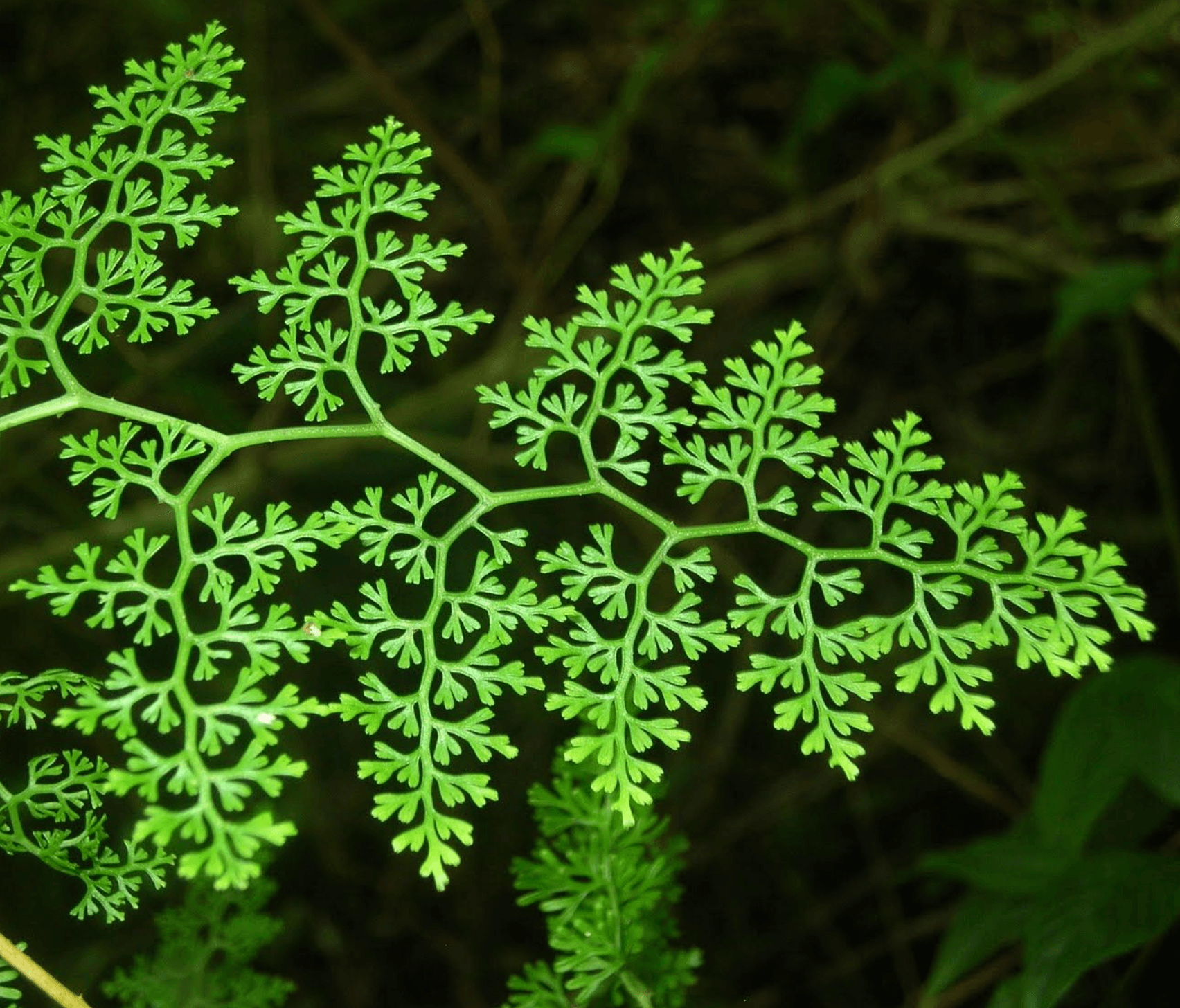
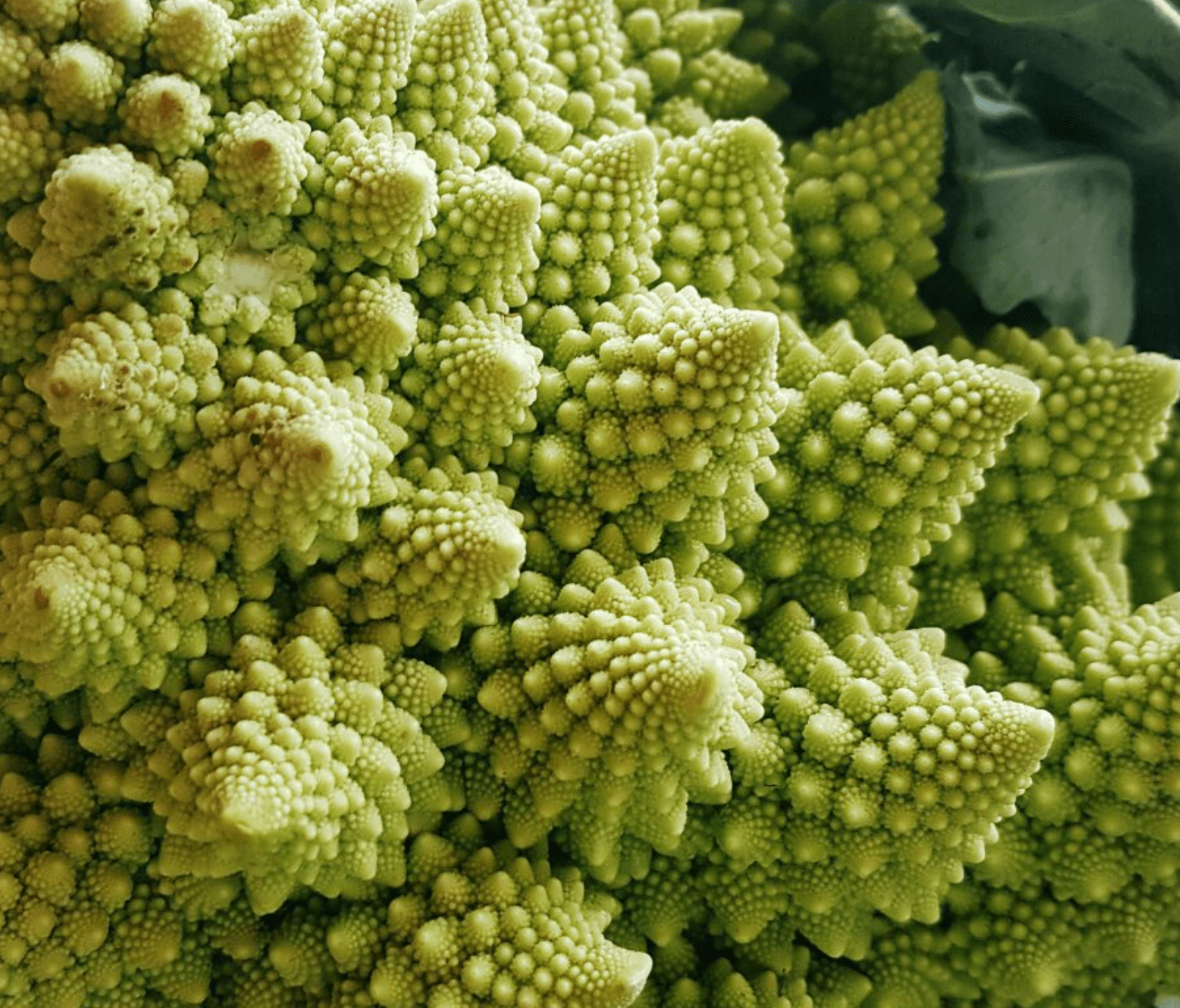
In this project, I wanted to create an image of Sierpiński's triangle using Python and Python Turtle.
Now, decomposing the problem:
- Importing modules
- Global variables
- Subprograms
- Triangle function
- Fractal function
- Putting it all together
Importing Modules
Clearly, we need to import the turtle module.
import turtle as timport turtle as tGlobal Variables
As explained earlier, we could keep making our fractal more and more detailed, so we need to define a maximum depth so that the program does actually stop and doesn't crash (or reach the actual inbuilt maximum recursion depth of about 1000 recursions).
It would then also make sense to create a variable for the initial depth we have so that we can count upwards to our maximum depth, and a side length variable would also be good.
# GLOBAL VARIABLES
max_depth = 0
start_depth = 0
side = 300 # max side length# GLOBAL VARIABLES
max_depth = 0
start_depth = 0
side = 300 # max side lengthSubprograms
Triangle Function
A Sierpiński triangle is made up of a bunch of smaller triangles, so before we make our actual fractal function, to make the code more streamlined we should make a triangle function that makes a triangle of a specific side length.
def triangle(l):
    for x in range(3):
        t.forward(l)
t.left(360 / 3)def triangle(l):
for x in range(3):
t.forward(l)
t.left(360 / 3)Fractal Function
After this we need to make the actual fractal function.
The function needs the max_depth variable, which is set outside it, so we declare it with global.
def fractal(s, c):
    global max_depth

    if c != max_depth:
        for count in range(3):
            fractal(s / 2, c + 1)
            t.forward(s)
            t.left(360 / 3)

    if c == max_depth:   # then we go back and stop
        for count in range(3):
            triangle(s / 2)
            t.forward(s)
t.left(360 / 3)def fractal(s, c):
global max_depth
if c != max_depth:
for count in range(3):
fractal(s / 2, c + 1)
t.forward(s)
t.left(360 / 3)
    if c == max_depth:   # then we go back and stop
        for count in range(3):
            triangle(s / 2)
            t.forward(s)
t.left(360 / 3)Next we identify our two states: having not reached the max depth, and having already reached it.
It's actually easier to think about what happens when we have reached the max depth - in this case we just draw 3 half-size triangles, one in each corner. The gap left in the middle is the empty quarter that gives Sierpiński's triangle its pattern.
This works because every call to the fractal function makes 3 more calls to itself, one for each corner, until the max depth is reached. That means the number of calls grows exponentially - 3 to the power of max_depth - which is why higher depths take noticeably longer to draw.
    if c == max_depth:   # then we go back and stop
        for count in range(3):
            triangle(s / 2)
            t.forward(s)
t.left(360 / 3) if c == max_depth: # then we go back and stop
for count in range(3):
triangle(s / 2)
t.forward(s)
t.left(360 / 3)Thinking that through helps to do the main chunk of the function.
We need to make triangles, but smaller ones each time, so we call the function, but half the side length and increase the depth (otherwise the function will never reach the max depth). Then we move forward by 's' to make room for the next triangles we'll draw, before rotating too.
    if c != max_depth:
        for count in range(3):
            fractal(s / 2, c + 1)
            t.forward(s)
t.left(360 / 3) if c != max_depth:
for count in range(3):
fractal(s / 2, c + 1)
t.forward(s)
t.left(360 / 3)Putting It All Together
After we've defined the functions, the following steps are pretty basic. We have the turtle, which we'll put at a very fast speed so we don't need to wait too long. Then we translate the turtle to coordinates (-200,-200) to make room for our fractal.
# MAIN
t.speed(0) # max speed so we don't wait forever
t.penup()
t.goto(-200, -200) # start at different coordinate so more space
t.pendown()# MAIN
t.speed(0) # max speed so we don't wait forever
t.penup()
t.goto(-200, -200) # start at different coordinate so more space
t.pendown()Then we can ask the user for the maximum depth they want, before running our fractal program. Then we tell the turtle to stop running and wait for the screen to be closed with turtle.done().
max_depth = int(input('Enter the maximum depth: '))
fractal(side, start_depth)
t.done()max_depth = int(input('Enter the maximum depth: '))
fractal(side, start_depth)
t.done()Bonus - Colours!
The whole point of fractals is to be pretty, but the black colour's a bit bland. We can create a list containing a set of colours - of course we'll need the random module to randomly select a colour.
import turtle as t
import random as rimport turtle as t
import random as rside = 300 # max side length
colours = ["skyblue", "red", "purple", "gold", "maroon", "green"]side = 300 # max side length
colours = ["skyblue", "red", "purple", "gold", "maroon", "green"]Now to use these colours. We can change the pen colour of turtle and use the random module to randomly select a colour to use:
    if c != max_depth:
        for count in range(3):
            fractal(s / 2, c + 1)
            t.forward(s)
            t.left(360 / 3)
t.color(r.choice(colours)) if c != max_depth:
for count in range(3):
fractal(s / 2, c + 1)
t.forward(s)
t.left(360 / 3)
t.color(r.choice(colours))Best of all, the randomness of the colours actually looks nice!
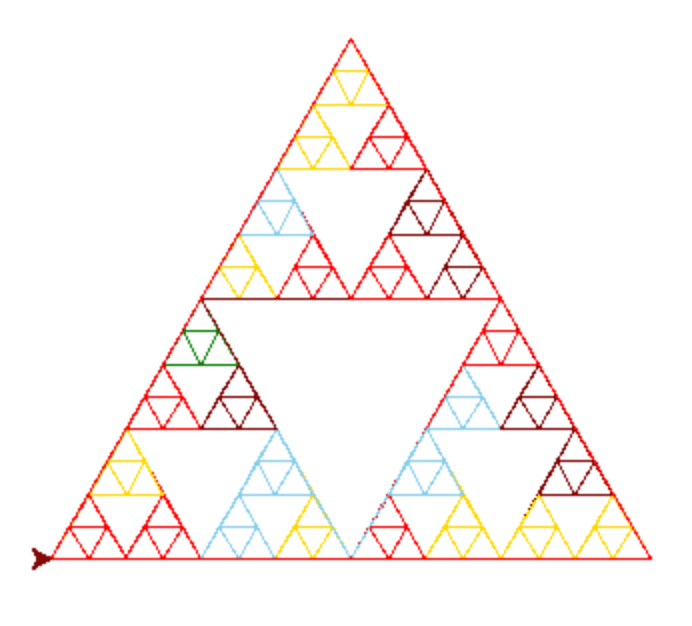
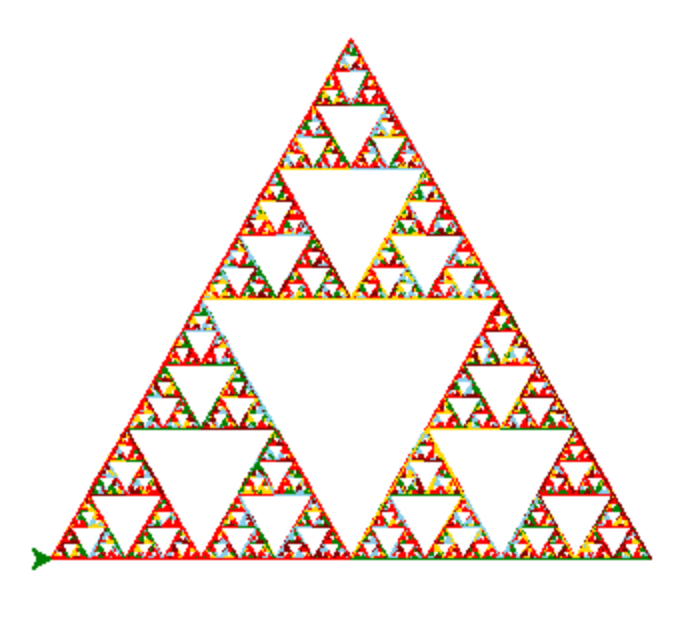
And we're done! Thanks for reading, and don't forget to check out the full source code on GitHub!